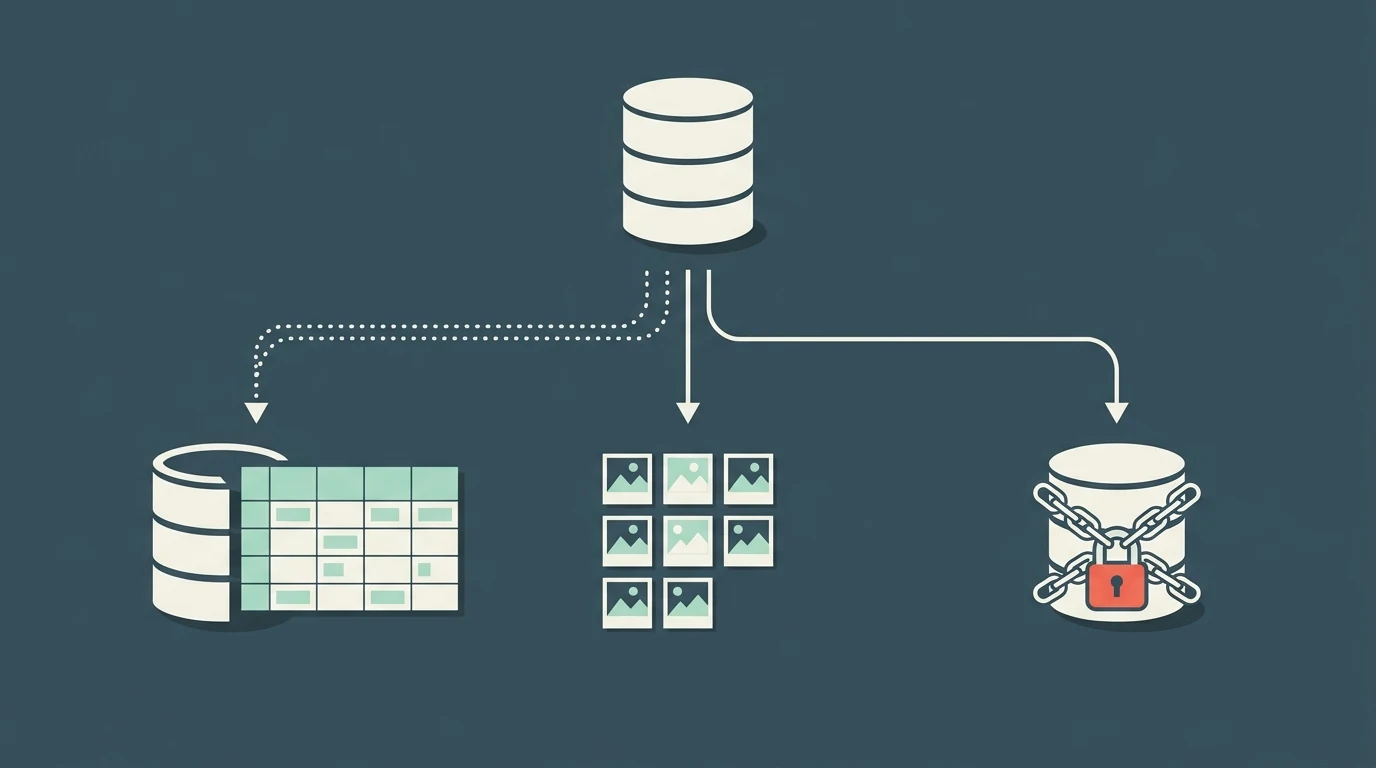
A file ending in .db just says "database." It doesn't say which program made it, and dozens
of programs use the same ending. That's why double-clicking one gets you an "open with" prompt, and why
the advice online goes in all directions: install Microsoft Access, rename it to .txt, install a
programmer's tool. Most .db files you'll come across are SQLite databases, which open in a minute without
installing anything. A few aren't databases at all, and a few are locked so nothing will open them. The
first job is working out which one you have.
The quick answer
| What you have | What to do |
|---|---|
| A SQLite file (most .db, .db3, .sqlite files) | Open it in a browser viewer like FilePulp's SQLite Viewer, or install DB Browser for SQLite if you'll use it often. |
| You want it in Excel | Open it in a viewer, export each table to CSV, open the CSV in Excel. |
| Thumbs.db | Not a database. It's a Windows picture cache. Delete it if it bothers you. |
| msgstore.db.crypt14 or .crypt15 (WhatsApp) | Encrypted. No viewer will open it without the key. Restore it in WhatsApp instead. |
| A file that says "not a database" in every viewer | It's encrypted or made by a different program. Check the header (below). |
Step 1: work out what kind of .db it is
The file name usually gives it away. These are the .db files people most often end up holding, and where they come from:
| File name | What it is | Opens in a SQLite viewer? |
|---|---|---|
chat.db | Mac Messages history (iMessage and texts) | Yes |
3d0d7e5fb2ce288813306e4d4636395e047a3d28 | iPhone messages (sms.db) inside an unencrypted Finder or iTunes backup | Yes |
msgstore.db.crypt14 / .crypt15 | WhatsApp backup on Android | No, encrypted |
History (no extension) | Chrome browsing history | Yes, copy it first |
places.sqlite | Firefox history and bookmarks | Yes |
Thumbs.db | Windows thumbnail cache | No, not a database |
Anything .db3, .sqlite, .sqlite3 | SQLite, from an app or a program export | Yes |
If the name doesn't help, the first few bytes will. Every SQLite database starts with the same 16
characters: SQLite format 3 followed by a blank. Open the file in Notepad or TextEdit and
look at the very start. If you see SQLite format 3, it's SQLite. Close the editor without
saving, because saving from a text editor can damage the file. A quicker check is to drop it into the
SQLite Viewer, which reads that header and tells you straight away if the
file isn't SQLite.
SQLite: Database File Format
Microsoft Access is a common wrong turn. Access files end in .accdb or .mdb, not
.db, so the Access help pages that show up for this search won't open what you have. Other programs that
used .db over the years include the old Paradox database and Berkeley DB, but you're
unlikely to meet those unless you're digging through old business software.
Step 2: open a SQLite .db file
If you only want to look inside, a browser viewer is the shortest route, and it works on a phone too:
- Open FilePulp's SQLite Viewer in Chrome, Safari, Edge or Firefox.
- Drop the .db file on the page, or tap to pick it.
- Pick a table from the list. The rows appear page by page, like a spreadsheet.
- To get the data into Excel or Google Sheets, export the table to CSV and open that file.
The file is read by your browser and never uploaded. That matters more for .db files than for most files, because the common ones are full of private messages and browsing history. Uploading your message history to an online converter is the same risk as pasting confidential information into ChatGPT.
If you'll be working with .db files regularly, install DB Browser for SQLite. It's free and open source, runs on Windows, Mac and Linux, and lets you search, edit and export without a browser tab. The current version is 3.13.1. DB Browser for SQLite: Downloads
Excel can't open a .db file directly. It can only connect to one through a separate database driver, which is more setup than it's worth for a one-off look. Export to CSV instead.
The missing-data trap: the -wal file
If the database looks out of date, the newest data is probably sitting in a second file. Many apps run
SQLite in a mode that writes recent changes to a file with the same name plus -wal (for
example chat.db-wal), and only merges them into the main file later. Copy just
chat.db and you can miss the last few days or weeks of messages.
SQLite: Write-Ahead Logging
The fix is to close the app that owns the database first, which usually merges the -wal file back in,
then copy the files. If you see -wal and -shm files next to the .db, copy them
all together.
Mac Messages and iPhone backups
Your Mac keeps every iMessage and text it has synced in chat.db, in the
Library/Messages folder of your home folder. macOS protects that folder, so to copy the file
you'll need to give Finder or Terminal Full Disk Access in System Settings > Privacy & Security.
Copy chat.db and chat.db-wal somewhere else and open the copies, not the
originals, while Messages is running. On recent versions of macOS, much of the message text is stored in a
coded column rather than as plain text, so expect some rows to look empty in a general viewer. Dedicated
message-export apps exist for that reason.
An iPhone backup made with Finder or iTunes doesn't use readable names. If the backup isn't encrypted,
the messages database is the file named 3d0d7e5fb2ce288813306e4d4636395e047a3d28, inside a
folder starting 3d. It's a normal SQLite file under that odd name. In an encrypted backup it
can't be read without the backup password and a tool built for that job.
Reincubate: iPhone backup file names and locations
Files that won't open, and what to do instead
WhatsApp backups on Android are saved as msgstore.db.crypt14 or
.crypt15 in the WhatsApp/Databases folder. The "crypt" part means encrypted. For
.crypt14 the key is stored inside WhatsApp's private app storage, which you can't reach without rooting
the phone. For .crypt15 it's the password or 64-digit key you set when you turned on encrypted backups.
A viewer will just say the file isn't a database. To read old chats, restore the backup in WhatsApp, or
use WhatsApp's own Export chat option for a single conversation.
Belkasoft: Android WhatsApp acquisition
Encrypted app databases work the same way. Apps that encrypt their SQLite files with SQLCipher, such as Signal Desktop, lock the whole file, including the header. Without the key, no viewer can read it, and that's working as intended.
Thumbs.db isn't a database. It's a cache of folder thumbnails that older Windows versions saved in every picture folder. Windows Vista and later keep thumbnails in one central place instead, so a Thumbs.db you find today is either left over from an old PC or was created on a network drive. It's safe to delete, and Windows rebuilds thumbnails when it needs them. Wikipedia: Windows thumbnail cache
This is the same problem as an .md file from a chatbot or an iPhone photo on Windows. The file usually isn't broken. Your computer just has nothing set up to open that kind of file.
Open a .db file now
Drop it in, browse the tables, export to CSV. The file stays on your device.
Open SQLite ViewerQuestions after you've opened it
Why does it say "file is not a database"?
The file isn't SQLite, or it's encrypted. Check the first characters for SQLite format 3. If
they're not there, see the encrypted files and Thumbs.db sections above, or look up the program that
created the file.
Is it safe to delete a .db file?
Thumbs.db, yes. Anything else, no, unless you know what it belongs to. Apps keep your settings, messages and saved data in .db files, and deleting one can wipe that data.
Can I edit the file and put it back?
You can, but work on a copy, close the app first, and keep the original. An app can crash or lose data if its database changes underneath it. For simply reading or exporting, you never need to edit anything.