Free file & document tools — PDF, HEIC to JPG, redact, invoices & more
Turn text into a PDF, make an invoice, convert iPhone photos, open a database file, and more. Every tool runs in your browser, so your files never leave your device.
When you use most online PDF tools — Smallpdf, iLovePDF, Adobe's web apps — your file is uploaded to a remote server, processed there, and sent back to you. For those few seconds (or minutes), your document sits on someone else's infrastructure, subject to their retention policies, their breach risk, and the jurisdiction their servers happen to be in. For a cat photo, that's fine. For a bank statement, medical record, legal filing, or anything with an SSN on it, it shouldn't be.
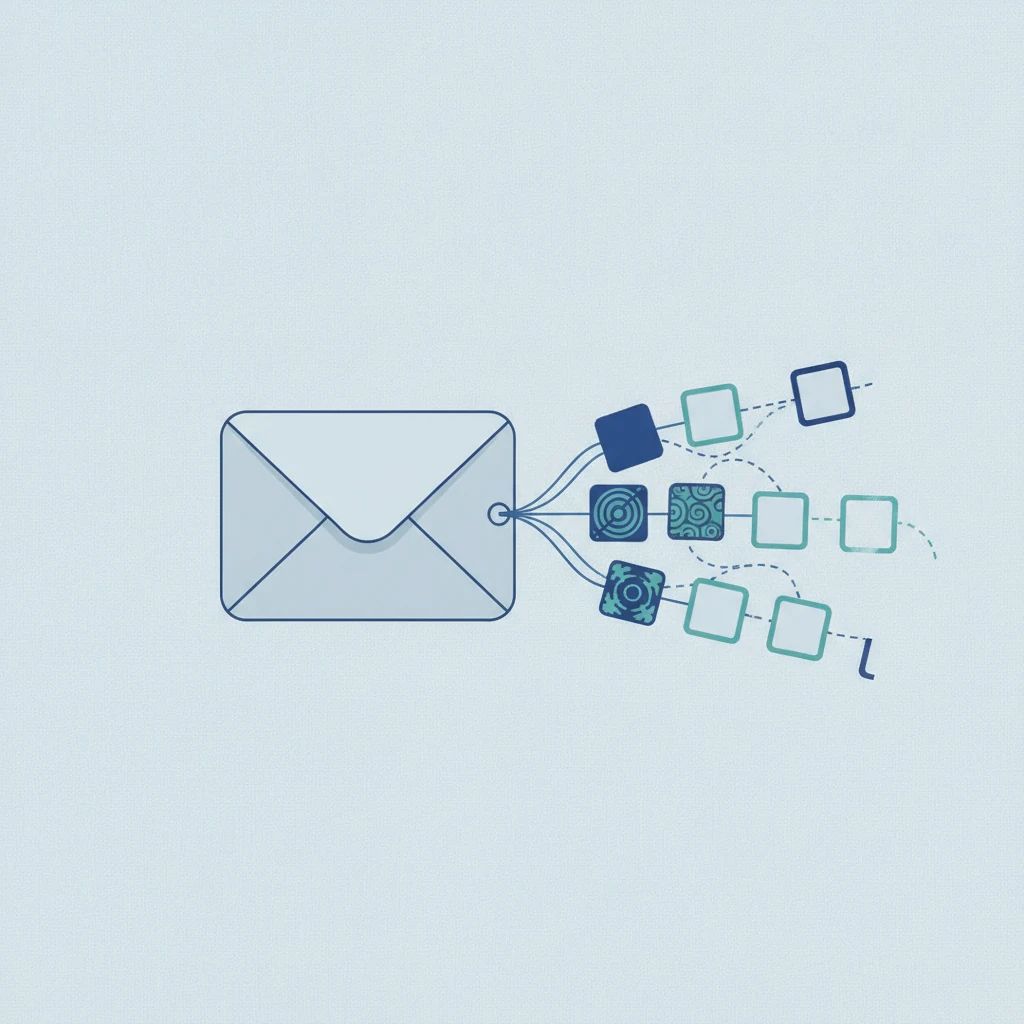
FilePulp takes the opposite approach: nothing leaves your browser. Every tool — redaction, extraction, conversion, compression — runs entirely via JavaScript and WebAssembly on the device you're already using. The file you "upload" is actually just handed to your own browser's memory. It's never sent across the network. There's no server to breach, no retention policy to trust, no audit trail to subpoena. When you close the tab, the file is gone.
How It Works Under the Hood
FilePulp's tools rely on a small stack of open-source browser libraries: pdf.js (Mozilla's PDF parser) for reading documents, pdf-lib for writing them back out, the Canvas API for image conversion, and ffmpeg.wasm for audio and video. None of these libraries make network requests with your file's contents. You can verify this yourself by opening your browser's Network tab while using any tool — the file data never appears in an outbound request. The only server traffic is loading the page itself, which you've already done.
This architecture is why a tool you have open keeps working if your connection drops, why there's no file size limit imposed by us (only by your device's memory), and why we don't need to ask you to create an account. We literally couldn't store your files if we wanted to — they never reach us.
Who FilePulp Is For
Accountants redacting client SSNs before sharing returns. Lawyers stripping PII from discovery documents. Healthcare workers handling PHI that can't touch third-party servers. Anyone emailing a bank statement to their landlord, accountant, or lender and wanting to hide account numbers first. Journalists publishing screenshots without GPS coordinates embedded in them. Anyone who reads privacy policies and doesn't trust "bank-level encryption" to mean what it says.
You don't have to be a privacy absolutist to prefer a tool that can't leak your data. You just have to have documents that you'd rather not hand to a stranger.
Frequently Asked Questions
Yes. Every FilePulp tool runs as JavaScript (or WebAssembly) in your browser. The "upload" button is a local file picker — your file is handed to the browser's memory, never transmitted over the network. You can verify this yourself: open your browser's DevTools Network tab before using any tool; you'll see the page load, but no outbound request containing your file data. When you close the tab, the file is gone from memory.
Smallpdf and iLovePDF are server-based — they upload your file, process it on their servers, and send it back. That means your file briefly exists on third-party infrastructure and is subject to their retention policies, breach risk, and legal jurisdiction. FilePulp processes everything locally in your browser. There is no server that handles your file content, so there's nothing to breach or subpoena. For sensitive documents (bank statements, medical records, legal filings), this is a categorical difference, not a marketing one.
Yes. No sign-up, no hidden fees, no watermarks, no file size cap imposed by us (only by your device's memory). FilePulp is a small independent project — we don't monetize user files or behavior.
Partly. You need a connection to open a tool, but once it has loaded, the processing happens on your device and keeps working if the connection drops. The audio and video converters download their engine the first time you convert a file, so start those while you're online.
FilePulp works on any modern browser — Chrome, Firefox, Safari, Edge — on desktop, tablet, or phone. No app downloads required.