You asked ChatGPT, Claude or another chatbot for a document and it handed you a file ending in
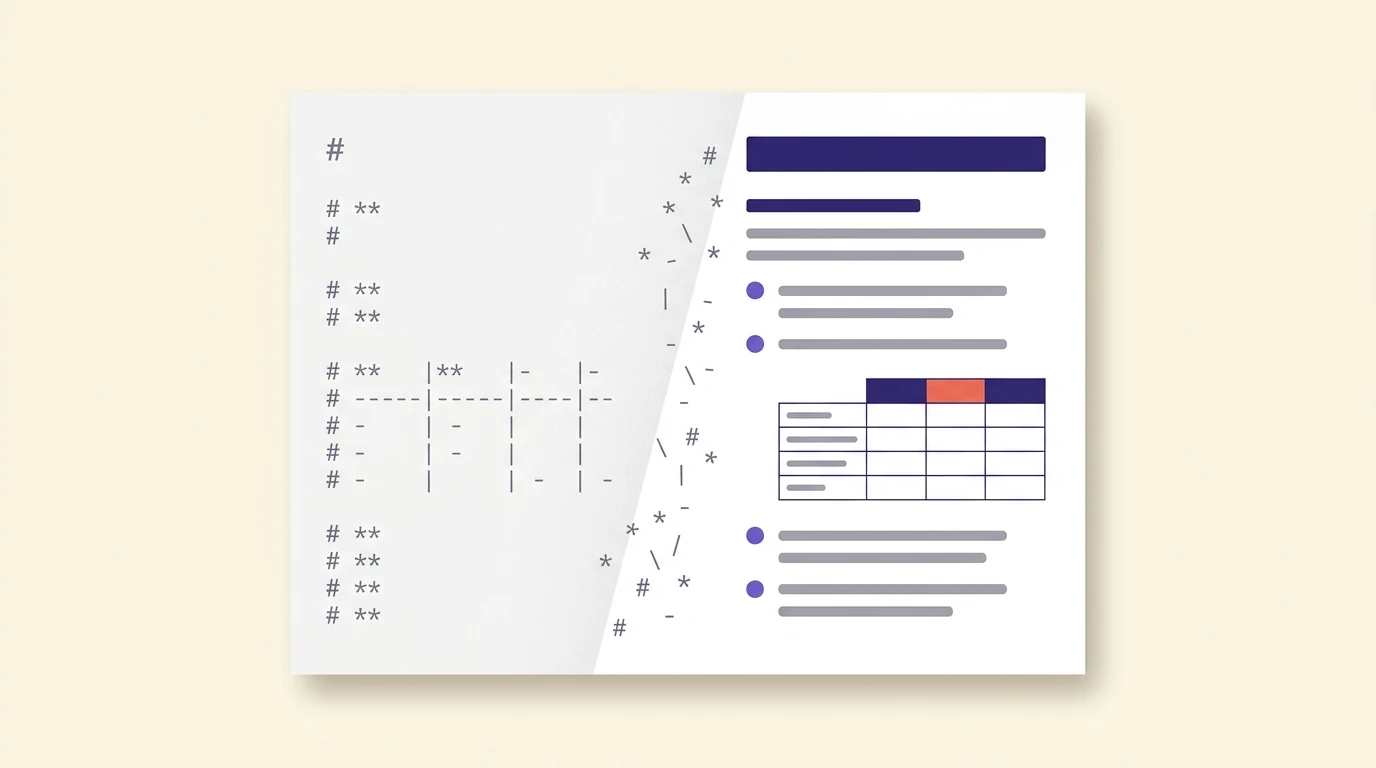
.md. You open it and get a wall of pound signs, double asterisks and vertical bars instead
of headings, bold text and a table. Nothing is broken. A .md file is a Markdown file: plain text with
the formatting written out as symbols, waiting for a program that knows how to apply them. Notepad on
older Windows, TextEdit on a Mac and the Files app on your phone don't, so they show you the
instructions instead of the result.
You don't need to install a code editor to fix this, which is what most of the "how to open an MD file" answers online tell you to do. Those answers were written for programmers, who have been using Markdown for README files for twenty years. If you just want to read the thing, print it or turn it into a Word file, there is a shorter path on every device.
The quick answer, by device
| Your device | Fastest way to read it formatted |
|---|---|
| Windows 11 | Open it in Notepad. Current Notepad shows Markdown formatted, tables included. |
| Windows 10 | Notepad shows raw symbols. Use Google Drive or a browser viewer. |
| Mac | Nothing built in renders it. Use Google Drive or a browser viewer. |
| iPhone or Android | Open a browser viewer in Safari or Chrome and load the file, or open it from Google Drive. |
| You need a PDF | Load it into Markdown to PDF and download. |
| You need a Word file | Paste it into Google Docs with Markdown turned on, then download as .docx. |
Why chatbots hand you .md files now
Markdown is the language chatbots think in. When ChatGPT shows you a bold heading or a neat table on screen, the text underneath is Markdown, and the app is rendering it for you. Save that same text to a file and you get the raw version. Google said as much when it added Markdown support to Drive this month, describing it as "a standard text format widely used by Large Language Models (LLMs) to preserve structured content, like tables, headers, and bulleted lists." Google Workspace Updates, October 5, 2026
The chatbots now produce these files on request. Claude lets you download a text artifact as a .md file. ChatGPT's Canvas download menu offers Markdown alongside PDF and Word, and ChatGPT will also generate a .md download link if you ask it to "save this as a file." Anthropic Help Center: What are artifacts
The search numbers show who is arriving. In the US, monthly searches for "how to open md file" went from roughly 260 in October 2025 to nearly 2,000 in September 2026, and "what is a md file" more than tripled over the same year (DataForSEO clickstream estimates). Programmers didn't suddenly forget how to open a README. The timing fits a wave of ordinary users receiving chatbot files, though search data alone can't prove the cause.
Windows: Notepad probably already works
On Windows 11, Notepad is the answer, as long as it's up to date. Microsoft added Markdown formatting to Notepad in mid-2025: headings, bold, italics, lists and links display formatted, and you can switch between the formatted view and the raw syntax. Table support reached all Windows 11 users in January 2026. PC Gamer: Microsoft rolls out tables in Notepad for all Windows 11 users
If double-clicking the file opens something else, or Windows asks what to use, right-click the file, choose Open with, then Notepad. If you still see pound signs, check for a Notepad update in the Microsoft Store, and make sure the formatted view is switched on rather than the syntax view.
Windows 10 is different. Its Notepad is the old plain-text editor and never got the Markdown update, so it will always show the symbols. Use one of the routes below. This is the same trap as opening iPhone HEIC photos on Windows: the file is fine, the built-in app just doesn't speak the format.
Mac: nothing built in renders it
Apple still hasn't added Markdown rendering to macOS. TextEdit opens a .md file as raw text, and pressing the space bar in Finder for a Quick Look preview shows the same symbols. Your free options are a browser viewer or Google Drive, both covered below. Third-party Quick Look add-ons exist if you get these files every day, but for the occasional chatbot file they're more setup than the problem deserves.
iPhone and Android: use the browser
Phones are the worst place to receive a .md file. The iPhone Files app and Files by Google on Android both show it as raw text or refuse to open it, and there's no Notepad equivalent that renders it. The browser fixes this without an app:
- Save the file to your phone (Files on iPhone, Downloads on Android).
- Open FilePulp's Markdown to PDF in Safari or Chrome.
- Tap Upload .md and pick the file. The formatted preview appears next to the text.
- To keep a readable copy, tap Download PDF. PDFs open everywhere, including in the email you forward it in.
If the file shows up greyed out in the picker, open it in the Files app, select all the text, copy it, and paste it into the editor instead. The preview works the same way.
Google Drive: the new option as of October 2026
Since October 5, Google Drive shows .md files formatted, with clickable links and real tables, and Google Docs can open and edit them without converting them first. Google lists it for both Workspace and personal Google accounts, rolling out gradually, so it may take a couple of weeks to reach yours. Google Workspace Updates: Markdown files natively across Drive and Docs
This is the best route on a Mac or Windows 10 if you already use Google: upload the file to Drive and double-click it. It's a weaker fit if the document is something you'd rather not put in the cloud, like a contract draft or a medical summary. There's more on that question in whether ChatGPT is safe for confidential information, and the same logic applies to wherever the output goes next.
Turning it into something you can send
Most people opening a chatbot's .md file don't want Markdown at all. They want a document they can print, attach or hand to someone who has never heard of Markdown. Pick the format by where it's going.
For a PDF, load the file into Markdown to PDF, choose Letter or A4, and download. The conversion runs in your browser, so the text isn't uploaded anywhere. If the original problem was a long chat that wouldn't print, see why ChatGPT printing cuts off after one page.
For a Word file, go through Google Docs. In a blank document, turn on Tools > Preferences > Enable Markdown, copy the contents of the .md file, and use Edit > Paste from Markdown. The symbols become real headings and tables. Then use File > Download > Microsoft Word (.docx). Desktop Word can open a .md file through File > Open, but it shows the raw symbols, so don't start there. Google Workspace Updates: Import and export Markdown in Google Docs
The copy-paste mistake to avoid
Copying text out of a .md file copies the symbols too. Paste it into an email, Word or a normal PDF converter and the pound signs and asterisks come along. We see this on our own Text to PDF tool. Over the past four weeks, 58 of the 238 pastes we recorded arrived as raw Markdown, about one in four, and the tool now converts leftover Markdown automatically when you download. Most other places you paste into won't. If you're moving chatbot text somewhere, either paste through a Markdown-aware route (Google Docs' Paste from Markdown, or a Markdown viewer) or ask the chatbot for plain text in the first place.
When a code editor is worth it
If you start getting .md files every week, or want to edit them and keep them as Markdown, a proper editor pays off. VS Code is free and shows a formatted preview with Ctrl+Shift+V (Cmd+Shift+V on a Mac), and note apps like Obsidian store everything as .md files natively. Visual Studio Code docs: Markdown For one file from a chatbot, it's overkill. The fastest fix is often to go back to the chat and ask for the format you wanted: "give me this as a Word document" or "as a PDF" usually works.
Read or print a .md file now
Upload the file, see it formatted, download a PDF. Nothing leaves your browser.
Open Markdown to PDFQuestions after you've opened it
Is a .md file safe to open?
Yes. It's plain text, and it can't run code when you open it in Notepad, Google Drive or a Markdown viewer. Treat any links inside it the way you'd treat links in an email.
Can I just rename it to .txt or .docx?
Renaming to .txt works, but you still see the raw symbols. Renaming to .docx breaks it, because a Word document is a different format inside, not just a different name. Convert it with one of the routes above instead.
Why did ChatGPT give me a .md file instead of a Word file?
Markdown is the format chatbots write in, so it's their default when they save text to a file. Ask for a .docx or PDF instead. If the text is in ChatGPT Canvas, its download menu offers PDF, Word and Markdown.